Table of Contents
- Free graphic design courses with certificates
- Coursera specialization programs
- Alison diploma courses
- Canva design school
- LinkedIn learning paths
- Other reputable learning platforms
- Choosing the right path
- Frequently asked questions
- Do free graphic design certificates look good on a resume?
- How long does it take to get a graphic design certificate?
- Is it possible to learn graphic design for free?
- What is the most important skill to learn first?
- Are these certificates recognized by employers?
- Can I get a job with just a free certificate?
- Conclusion
You can start building your career with graphic design free courses with certificate options offered by major educational platforms and universities. These programs provide foundational knowledge in software like Adobe Photoshop and Illustrator, along with principles of layout and color theory. While the courses are free to access, you must often complete all assignments and pass a final exam to receive an official digital credential for your professional portfolio.
Free graphic design courses with certificates

Finding the right program depends on your current skill level and the specific software you wish to master. The following table outlines popular platforms where you can access high-quality instruction without an upfront cost.
| Platform | Best for | Example Course |
|---|---|---|
| Coursera | University-led programs | Graphic Design Specialization |
| Alison | Basic design concepts | Diploma in Graphic Design |
| Canva | Quick visual projects | Graphic Design Basics |
| LinkedIn Learning | Professional software skills | Illustrator Essential Training |
| OpenLearn | Academic design theory | Understanding Graphic Design |
Coursera specialization programs
These courses are produced by accredited institutions such as the California Institute of the Arts, allowing you to learn from academic experts. They focus on the history of design, visual communication, and typography. You’ll need to commit 3 to 5 hours per week for about 6 months to finish a full specialization series.
- You gain access to video lectures and peer-reviewed design projects that mimic real-world agency tasks.
- The curriculum covers the fundamentals of image-making and the role of design in modern society.
- You receive a verified certificate after completing all modules and passing the required peer-graded assignments.
- If you can’t afford the paid version, you can apply for financial aid through the Coursera financial aid application to access the full certificate program for free.
An example of this is the “Fundamentals of Graphic Design” course, where you create a simple identity project using specific typography and layout rules.
Alison diploma courses
Alison provides self-paced learning paths that are ideal for people who want to understand design theory without needing expensive software immediately. These modules break down the principles of design, such as balance, emphasis, and contrast, which apply to any creative project. You should expect to spend 10 to 15 hours on a standard diploma course.
- Lessons focus on the practical application of design elements in marketing and branding materials.
- Effective use of white space will improve the legibility of your designs.
- The platform tracks your progress through short quizzes after every unit to ensure you understand the concepts.
- Upon reaching a 80% score in all module assessments, you qualify for a digital certificate that you can download.
You might start with their “Diploma in Graphic Design,” which requires you to analyze existing brand logos and recreate them using basic digital tools.
Canva design school
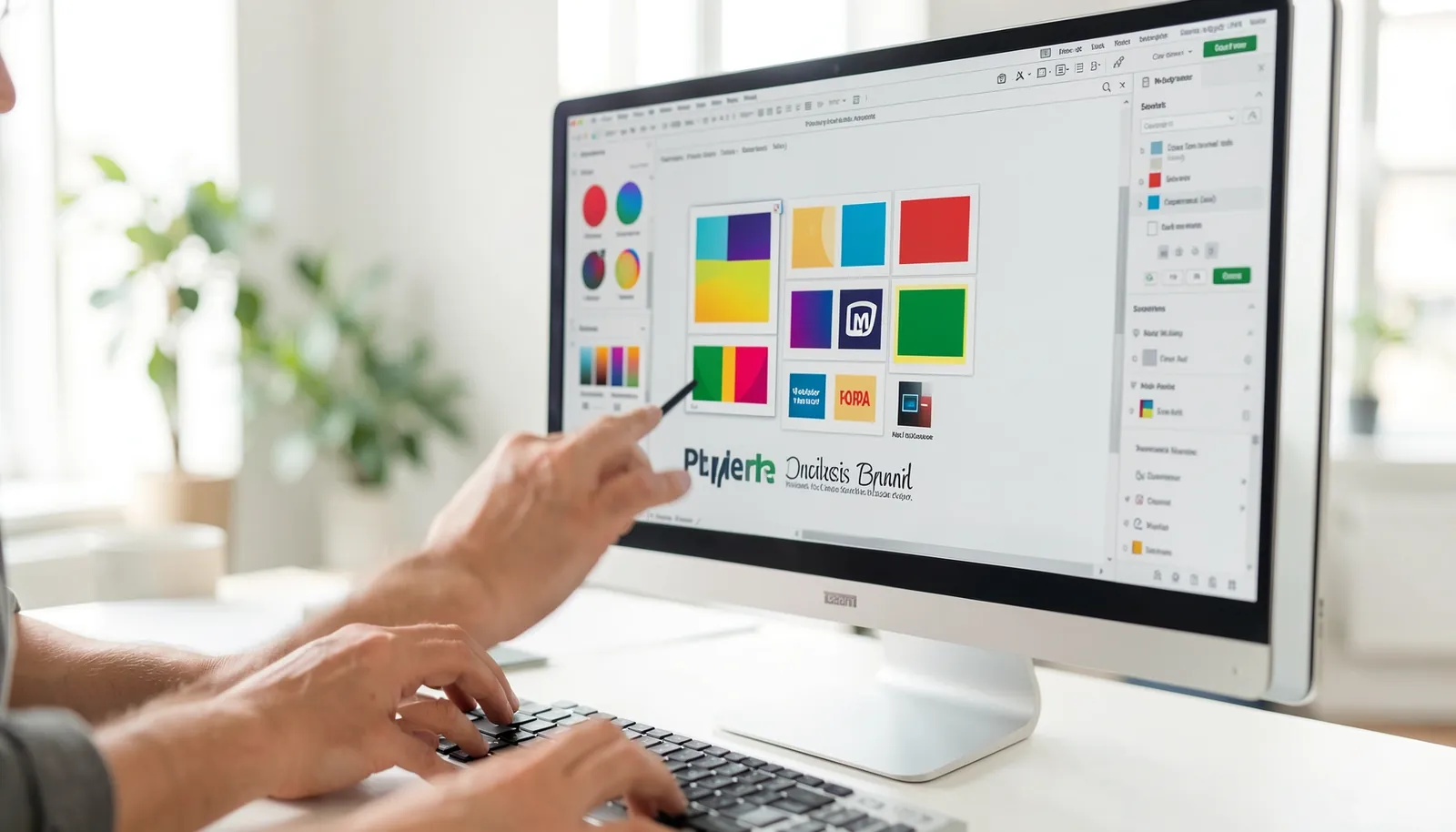
Canva offers short, task-based lessons that help you arrange text and images for social media or presentations. This is the best starting point for non-designers who need to produce professional-looking assets quickly. Most of these tutorials take under 60 minutes to complete.
- Lessons demonstrate how to use color palettes and font pairings to create a cohesive brand identity.
- You learn how to manipulate templates to fit specific layout requirements for various digital platforms.
- The platform provides immediate feedback by allowing you to test your edits within their live editor.
- You earn a badge or certificate for completing specific design challenges, which you can share on your professional profile.
For example, you could complete the “Graphic Design Basics” tutorial, which takes about 30 minutes, to learn the process of aligning elements on a 1080×1080 pixel canvas.
LinkedIn learning paths
These courses are taught by industry professionals who focus on the technical side of design software. You’ll learn the specific keyboard shortcuts and workflow habits that professional designers use daily. This isn’t for absolute beginners, as it assumes you have basic computer literacy.
- You follow step-by-step instructions for complex software tasks like vector pathing and mask creation.
- The content is updated frequently to reflect new features in the latest versions of creative software.
- You earn a certificate of completion that automatically attaches to your profile after you finish the video series.
You might take the “Illustrator Essential Training” course, which requires about 7 hours of viewing time, to master the pen tool. According to the University of Minnesota, understanding these core digital tools is a standard requirement for entry-level work in the field.
Other reputable learning platforms
- OpenLearn: This platform, managed by The Open University, offers free academic modules on design history and visual culture. These are best for those who want a theoretical foundation before starting technical work.
- Skillshare: While many courses are paid, they offer a selection of free introductory classes taught by professional designers. These focus on specific creative techniques rather than broad certifications.
- Google Digital Garage: This site provides general digital marketing and design-adjacent skills that help you grasp the way graphic design supports broader business goals and online advertising campaigns.
Choosing the right path
Deciding which course to take depends on your end goal and the time you have available. If you want a formal academic background, choose a university-led program on Coursera. If you need to learn software tools quickly for a job, select a technical course on LinkedIn Learning. If you’re a beginner who just needs to make better presentations, start with the lessons on Canva.
Most of these platforms allow you to audit courses for free, but you must pay if you want a physical certificate. Always check the fine print, as the Federal Trade Commission provides guidance on how companies must disclose costs for educational services. You can often combine these, using theory from OpenLearn alongside technical skills from LinkedIn Learning to build a well-rounded portfolio.
Related guides
Frequently asked questions
Do free graphic design certificates look good on a resume?
Yes, they demonstrate your initiative and commitment to learning professional software. Employers value the skills you gain from these programs, especially if you show your work in a portfolio. A certificate proves you finished the training, but your actual design projects are what prove you have the ability to do the job.
How long does it take to get a graphic design certificate?
It typically takes between 20 and 50 hours of study to finish a comprehensive certificate program. This varies based on the depth of the course and your previous experience. If you study for 5 hours a week, you can expect to earn a certificate in roughly 2 to 3 months.
Is it possible to learn graphic design for free?
Yes, you can learn all the core principles and software skills for free using the platforms listed above. While the courses provide the knowledge, you must practice daily to become proficient. You’ll also need access to design software, though many programs offer free trials or open-source alternatives like Inkscape or GIMP.
What is the most important skill to learn first?
Typography and layout are the most important skills to learn first. Mastering the organization of text and images makes your designs look professional regardless of the software you use. Once you master these, you can apply them to any design task, from creating a simple business card to complex web layouts.
Are these certificates recognized by employers?
Most employers recognize certificates from major platforms like Coursera or LinkedIn Learning as proof of technical training. However, they aren’t a substitute for a degree in highly competitive creative fields. Use these certificates to show you have the technical skills, then use your portfolio to show you have the creative vision.
Can I get a job with just a free certificate?
You can get entry-level design work if your portfolio shows strong, high-quality projects. A certificate alone is rarely enough; you need to demonstrate that you can apply what you learned to solve real design problems. Focus on building 3 to 5 strong portfolio pieces that highlight your skills in layout, color, and typography.
Conclusion
Start by choosing one specific software tool, such as Adobe Illustrator, and complete a single beginner-level course. You should expect to produce at least two finished design projects by the end of your first course to confirm your understanding. If you find the technical software steps too difficult to follow after three attempts, stop and look for a more basic theory-focused design course instead.